
You had a great idea for a Reel. An animated map showing your brand's global reach. Simple concept. Then you opened After Effects, spent 45 minutes wrestling with keyframes, realized the easing was wrong, re-rendered three times, and posted it four hours later to a feed that had already moved on.
Sound familiar? You're not alone. Social media managers are expected to produce broadcast-quality motion graphics at the speed of a meme page. That math doesn't work.
The gap between what performs well on Instagram Reels — polished, animated, visually rich content — and what most creators can actually produce is enormous. Until recently, closing that gap meant either hiring a freelance motion designer at $500+ per project or dedicating months to learning professional software.
Neither option scales when you need to post 4-5 Reels per week.
This post gives you 15 concrete Instagram Reels ideas built around AI-generated motion graphics — animated maps, data visualizations, kinetic typography, and logo reveals. These aren't vague "try trending audio" suggestions. They're specific visual concepts you can produce today without touching a single keyframe.
  <h2 id="why-motion-graphics-outperform">Why Motion Graphics Outperform Static Content on Reels</h2>
  <p>Instagram's algorithm favors content that holds attention. Motion graphics do exactly that. A static infographic gets a glance. An animated chart that builds bar by bar keeps eyes on screen for the full duration.</p>
  <p>Here's what the data consistently shows:</p>
  <ul>
    <li><strong>Higher watch time.</strong> Animated content creates anticipation. Viewers wait to see the final state of a chart or the end of a text animation.</li>
    <li><strong>Better shareability.</strong> Polished motion graphics signal credibility. People share content that makes them look smart.</li>
    <li><strong>Stronger brand recall.</strong> Animated logos and consistent visual styles build recognition faster than static posts.</li>
  </ul>
  <p>The problem was never awareness. Most social media managers know motion graphics perform well. The problem was always production cost and time.</p>

  <h2 id="old-way-vs-new-way">The Old Way vs. The New Way of Creating Animated Reels</h2>

  <h3 id="the-old-way">The Old Way</h3>
  <p>You'd describe your vision to a freelancer, wait 3-5 business days for a first draft, request revisions, wait again, and finally get a deliverable that may or may not match what you imagined. Total cost: $300-$800 per animation. Total time: 1-2 weeks.</p>
  <p>Or you'd learn After Effects yourself. That's a 6-month learning curve before you're producing anything that doesn't look like a PowerPoint transition from 2009.</p>

  <h3 id="the-new-way">The New Way: AI Motion Graphics Generation</h3>
  <p>AI-powered motion graphics tools let you describe what you want in plain language and receive a professional animation in minutes. Not a blurry AI-generated video of someone walking through a field. Actual motion graphics — the kind you'd see on a news broadcast or a premium brand's social feed.</p>
  <p>This is an important distinction. We're not talking about text-to-video tools like Sora or Runway that generate realistic footage. We're talking about tools that produce structured, designed animations: charts that animate, maps with moving routes, text that flows with purpose, and logos that reveal with style.</p>
  <p>That's the category <a href="https://flowi.video">flowi.video</a> operates in. You type a description. You get a professional motion graphic. No keyframes. No rendering queue. No freelancer invoices.</p>

  <h2 id="reel-ideas-data-visualizations">Reels Ideas: Animated Data Visualizations</h2>

  <h3 id="idea-1">1. "By the Numbers" Brand Stats</h3>
  <p>Show your company's milestones as an animated bar chart or counter. "10,000 customers served" hits harder when the number physically counts up on screen with smooth easing.</p>
  <p><strong>Prompt concept:</strong> "Animated counter showing growth from 0 to 10,000 with a bar chart building behind it, brand colors blue and white, clean modern style."</p>

  <h3 id="idea-2">2. Industry Comparison Charts</h3>
  <p>Pick a stat your audience cares about. Animate a side-by-side comparison. "Average salary in UX Design vs. Product Management" as an animated horizontal bar chart is educational content that gets saved and shared.</p>

  <h3 id="idea-3">3. Poll Results Reveal</h3>
  <p>Run a poll in Stories. Then reveal the results as an animated pie chart or donut graph in a Reel. This creates a content loop — engagement on Stories drives views on Reels.</p>

  <h3 id="idea-4">4. Year-in-Review Animated Infographic</h3>
  <p>Compile your top metrics from the quarter or year. Animate them sequentially — revenue growth, new users, top-performing content. Each stat builds on screen one after another. This format works for any industry.</p>

  <h2 id="reel-ideas-animated-maps">Reels Ideas: Animated Maps</h2>

  <h3 id="idea-5">5. "Where We Ship" Expansion Map</h3>
  <p>Show your delivery zones or office locations lighting up on a map one by one. This is especially effective for e-commerce brands expanding to new regions. The visual storytelling is immediate — viewers understand global reach in seconds.</p>

  <h3 id="idea-6">6. Travel Route Animation</h3>
  <p>If you're in travel, hospitality, or logistics, animate a route between destinations. A dotted line tracing from Paris to Tokyo with city labels appearing along the way is simple, elegant, and endlessly rewatchable.</p>

  <h3 id="idea-7">7. "Where Our Community Lives" Heatmap</h3>
  <p>Visualize your audience distribution. An animated heatmap showing where your followers or customers are concentrated builds social proof and community connection simultaneously.</p>

  <h3 id="idea-8">8. Event Location Teaser</h3>
  <p>Hosting a conference, pop-up, or meetup? Animate a zoom-in on the map from country level down to the exact venue. It's a more engaging announcement than a static flyer.</p>

  <h2 id="reel-ideas-kinetic-typography">Reels Ideas: Kinetic Typography</h2>

  <h3 id="idea-9">9. Quote of the Day with Motion</h3>
  <p>Take an industry-relevant quote and animate each word or phrase appearing with purposeful timing. This is the most-saved content format on Instagram — and animated versions outperform static quote cards significantly.</p>

  <h3 id="idea-10">10. Key Takeaway from a Podcast or Blog</h3>
  <p>Pull one powerful sentence from your latest content. Animate it word by word with emphasis on the key phrase. It promotes your long-form content while standing on its own as a Reel.</p>

  <h3 id="idea-11">11. Customer Testimonial Animation</h3>
  <p>Turn a text review into kinetic typography. "Best purchase I've made this year" animated with bold emphasis on "best" and "this year" is more compelling than a screenshot of a review.</p>

  <h3 id="idea-12">12. Tip Carousel in Motion</h3>
  <p>Instead of a static carousel with 5 tips, animate each tip appearing sequentially in a single Reel. "5 things nobody tells you about starting a newsletter" — each point slides, fades, or types onto screen. One Reel replaces five carousel slides.</p>

  <h2 id="reel-ideas-logo-brand">Reels Ideas: Logo Reveals and Brand Animations</h2>

  <h3 id="idea-13">13. Intro/Outro Bumper for Your Reel Series</h3>
  <p>Create a 2-3 second animated logo reveal to bookend your content. This is what separates amateur Reels from professional ones. Consistent animated branding builds recognition across every piece of content you post.</p>

  <h3 id="idea-14">14. Product Launch Countdown</h3>
  <p>Animate your logo transforming into a countdown — 3, 2, 1 — followed by a product name reveal. Simple, high-impact, and reusable for every launch cycle.</p>

  <h3 id="idea-15">15. Brand Story Origin Animation</h3>
  <p>Combine kinetic typography with your logo. Animate your founding story in 15 seconds: the year, the mission statement, and the logo landing at the end. This works as a pinned Reel on your profile — it tells new visitors who you are in seconds.</p>

  <h2 id="how-to-create-with-flowi">How to Create These Reels with flowi.video</h2>
  <p>Every idea above follows the same production workflow when you use <a href="https://flowi.video">flowi.video</a>:</p>
  <p><strong>Step 1: Describe your animation.</strong> Write a plain-language prompt. "Create an animated bar chart comparing average salaries for five tech roles, dark background, modern sans-serif font, smooth easing."</p>
  <p><strong>Step 2: Generate.</strong> flowi.video's AI builds the motion graphic — not a blurry video approximation, but actual structured animation with vectors, proper timing, and professional transitions.</p>
  <p><strong>Step 3: Customize.</strong> Adjust colors, timing, text, and data points. No need to understand keyframes or motion curves.</p>
  <p><strong>Step 4: Export and post.</strong> Download in a Reels-ready format. Upload directly to Instagram.</p>
  <p>The entire process takes minutes. Not hours. Not days. Minutes.</p>
  <p>This means you can batch-produce a week's worth of animated Reels in a single sitting. That's the kind of efficiency that actually changes a content calendar.</p>

  <h2 id="production-tips">Quick Production Tips for Motion Graphic Reels</h2>
  <ul>
    <li><strong>Keep it under 15 seconds.</strong> Motion graphics are information-dense. You don't need 60 seconds. Shorter animations get higher completion rates.</li>
    <li><strong>Use your brand colors consistently.</strong> Every animated Reel should feel like it belongs to the same family. This compounds brand recognition over time.</li>
    <li><strong>Add trending audio underneath.</strong> The animation handles the visual hook. Pair it with audio that's currently performing well in the algorithm.</li>
    <li><strong>Front-load the motion.</strong> The first frame should already be moving. Static openings lose viewers before the animation starts.</li>
    <li><strong>Include a text CTA in the last 2 seconds.</strong> "Follow for more" or "Save this" as part of the animation itself, not just in the caption.</li>
  </ul>

  <h2 id="final-thoughts">Stop Overthinking, Start Animating</h2>
  <p>The Instagram Reels ideas that perform best aren't the most complex. They're the most visually clear and consistently produced. Motion graphics give you both — clarity and polish — without the traditional production overhead.</p>
  <p>You don't need to learn After Effects. You don't need a freelancer on retainer. You need a tool that turns your ideas into professional animations as fast as you can describe them.</p>
  <p><strong><a href="https://flowi.video">Try flowi.video</a> and turn any of these 15 ideas into a finished Reel today.</strong> Describe what you want. Get a motion graphic. Post it. That's the entire workflow.</p>
Read Next
Continue Exploring
7 Ways AI-Driven Animation Clarifies Financial Narratives
Learn 7 ways AI-driven animation transforms complex financial data into clear, engaging narratives. Practical techniques for earnings calls and investor cont...
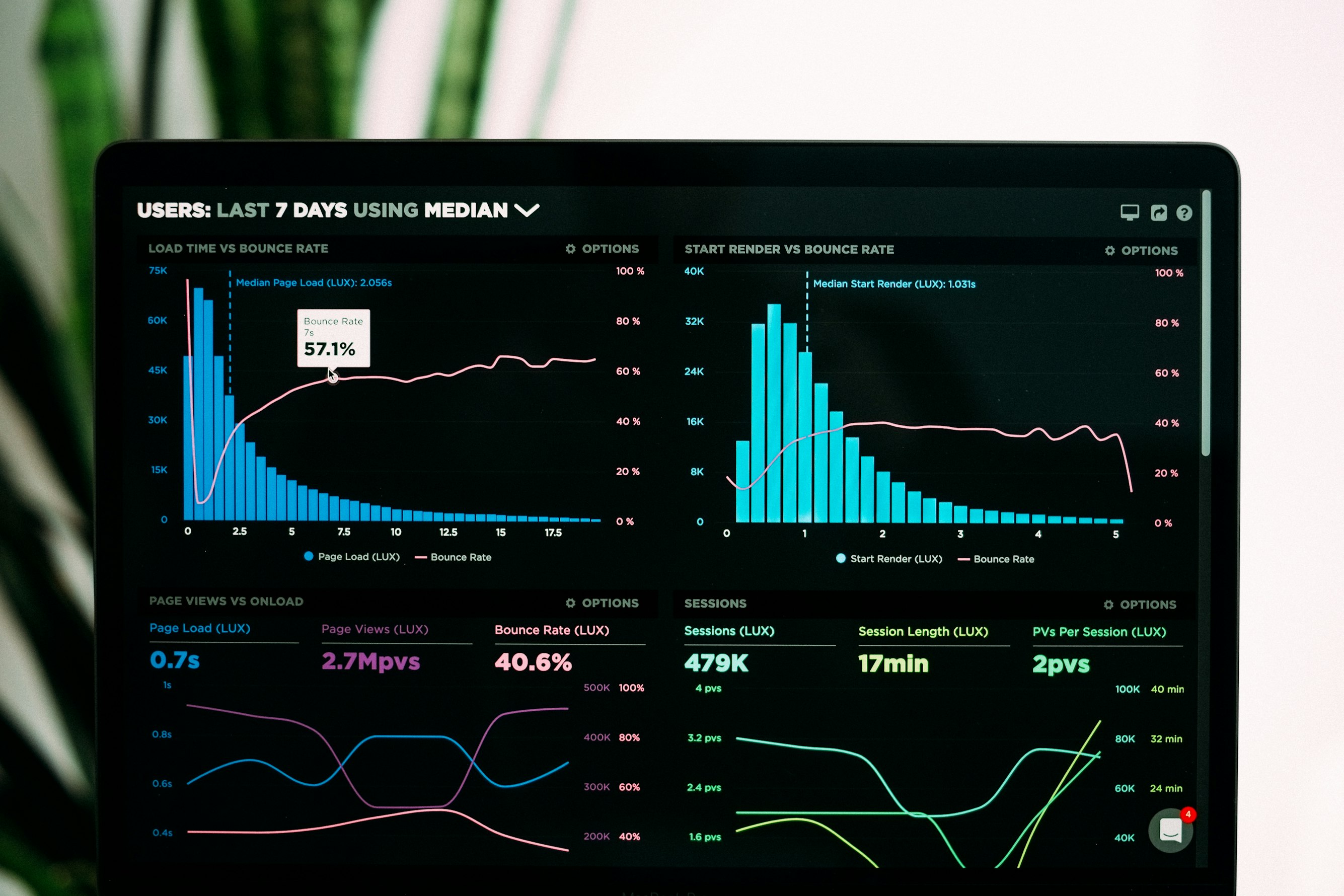
Flourish vs. Datawrapper vs. Flowi: The Honest Guide for Video Creators
Comparing Flourish, Datawrapper, and flowi.video for video content. Which tool actually exports broadcast-quality MP4? Honest breakdown for creators.
How AI Animation Fixes Broken Financial Data Stories
Discover how AI animation helps financial content creators turn complex data into clear, accurate visuals. Frameworks and strategies for building audience tr...